
The Vault of the Mysterium Compass, at the 2010 Jamboree.
 |
||
| About the display. The
idea took form in 1989 between Bill Hillcourt and Sam Fairchild. In
1992 the Scouting Century Foundation was incorporated. Bill passed
away before the Jamboree, but Sam Fairchild spearheaded the project
and saw it to fruition. Scouting Century Foundation proposed
creating a 100’ x 160’, 1600 sq. ft. raised platform display of
Scouting history for the 100th Anniversary, 2010 Jamboree. All costs
would be covered by the Scouting Century Foundation, ultimately this
included construction, tentage, carpet, lighting and even air
conditioning. The display did not impact the overall budget of the
Jamboree. The project was approved by the Jamboree Committee and Sam
Fairchild began organizing and planning years before the Jamboree.
Besides the planning for physical arrangements, Sam Fairchild began
assembling one of the most comprehensive collections of Scouting
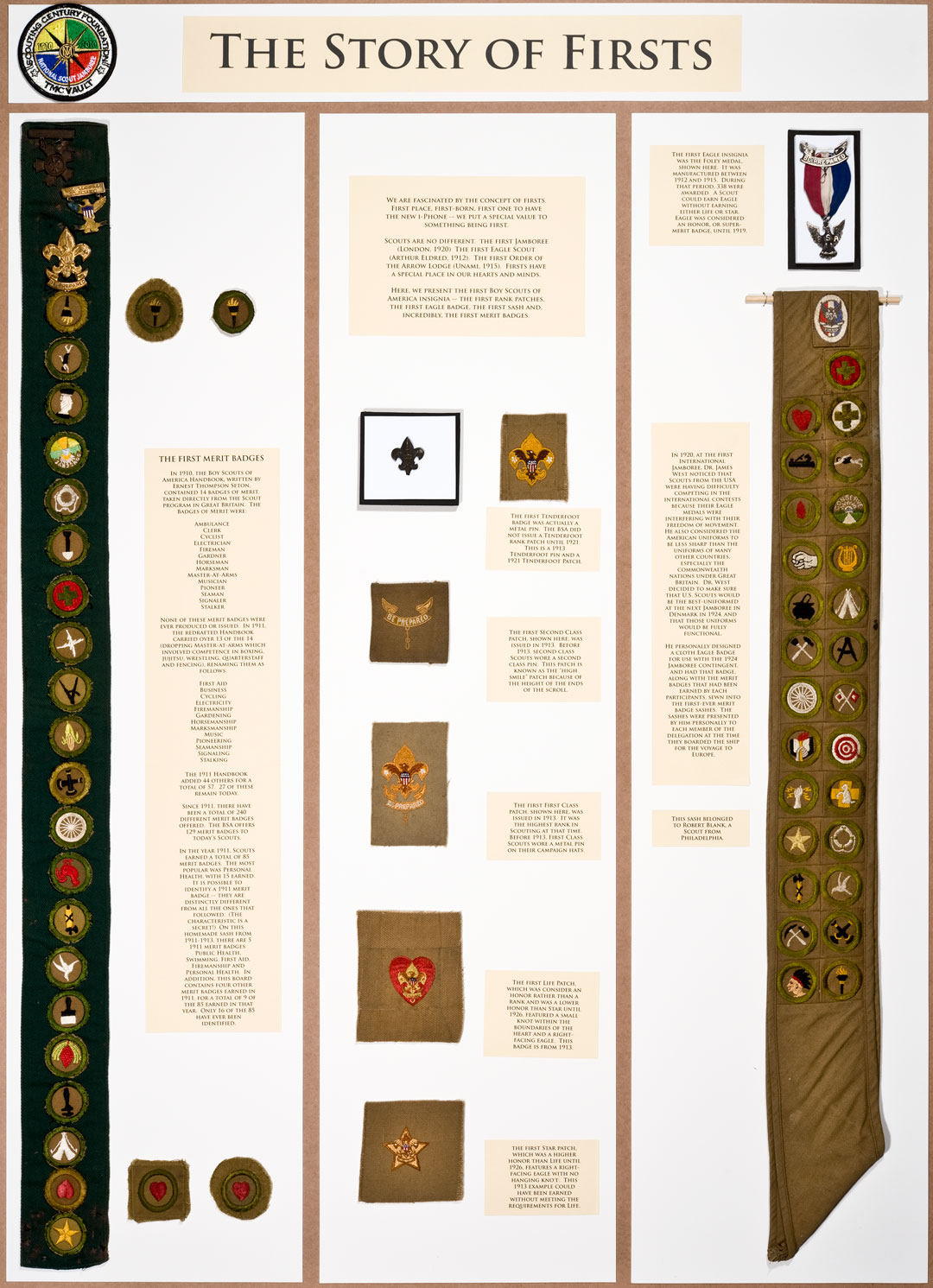
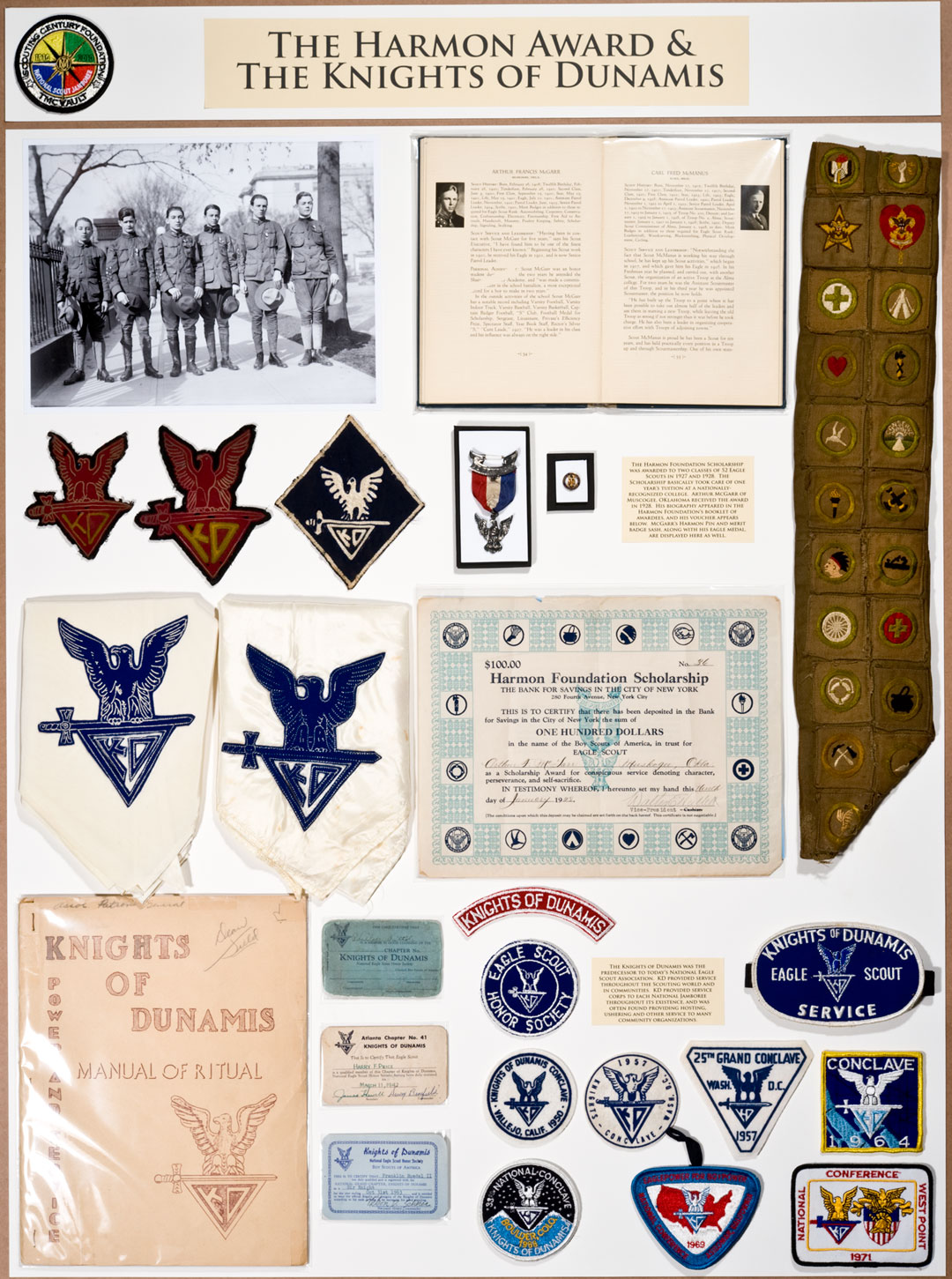
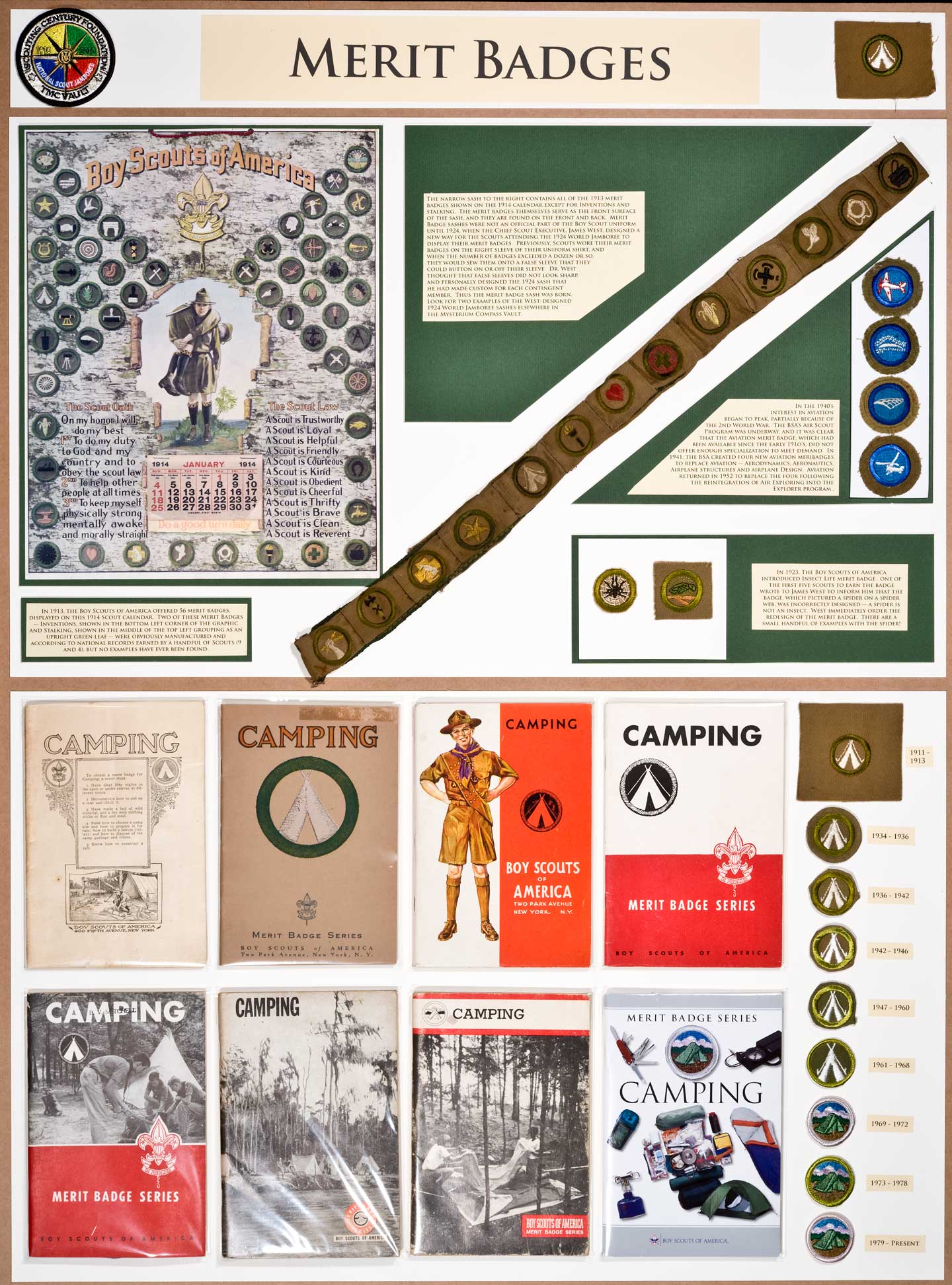
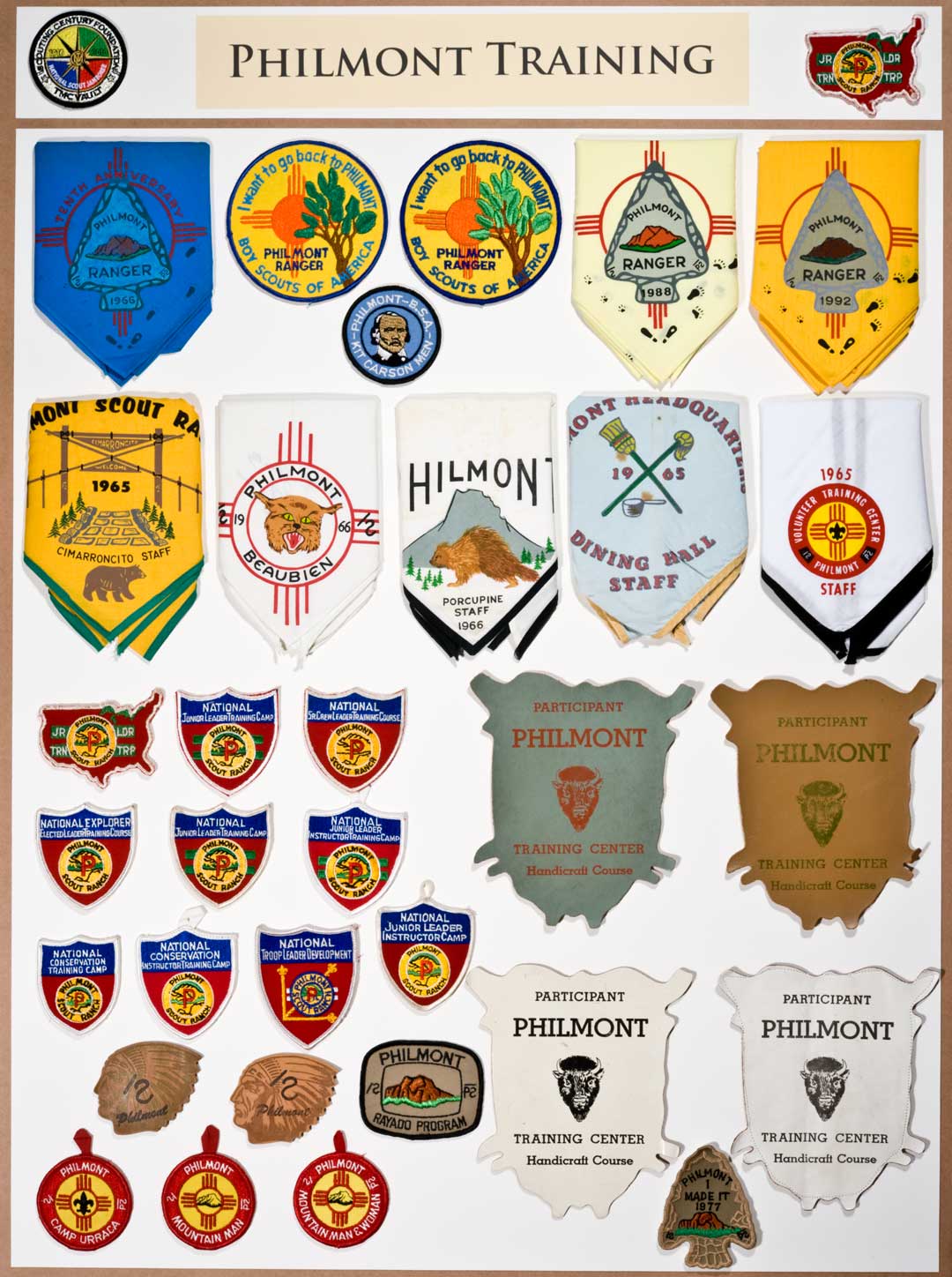
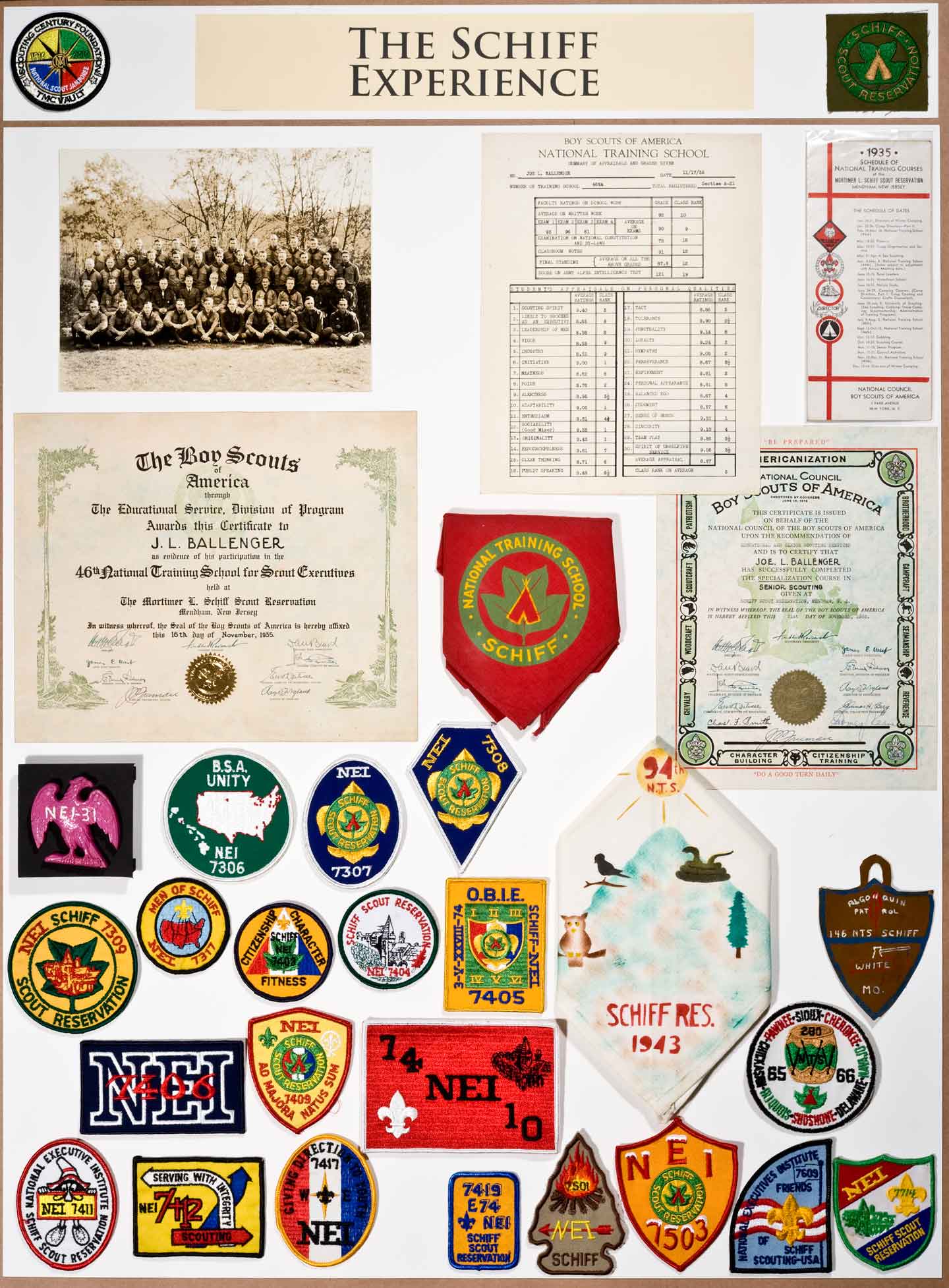
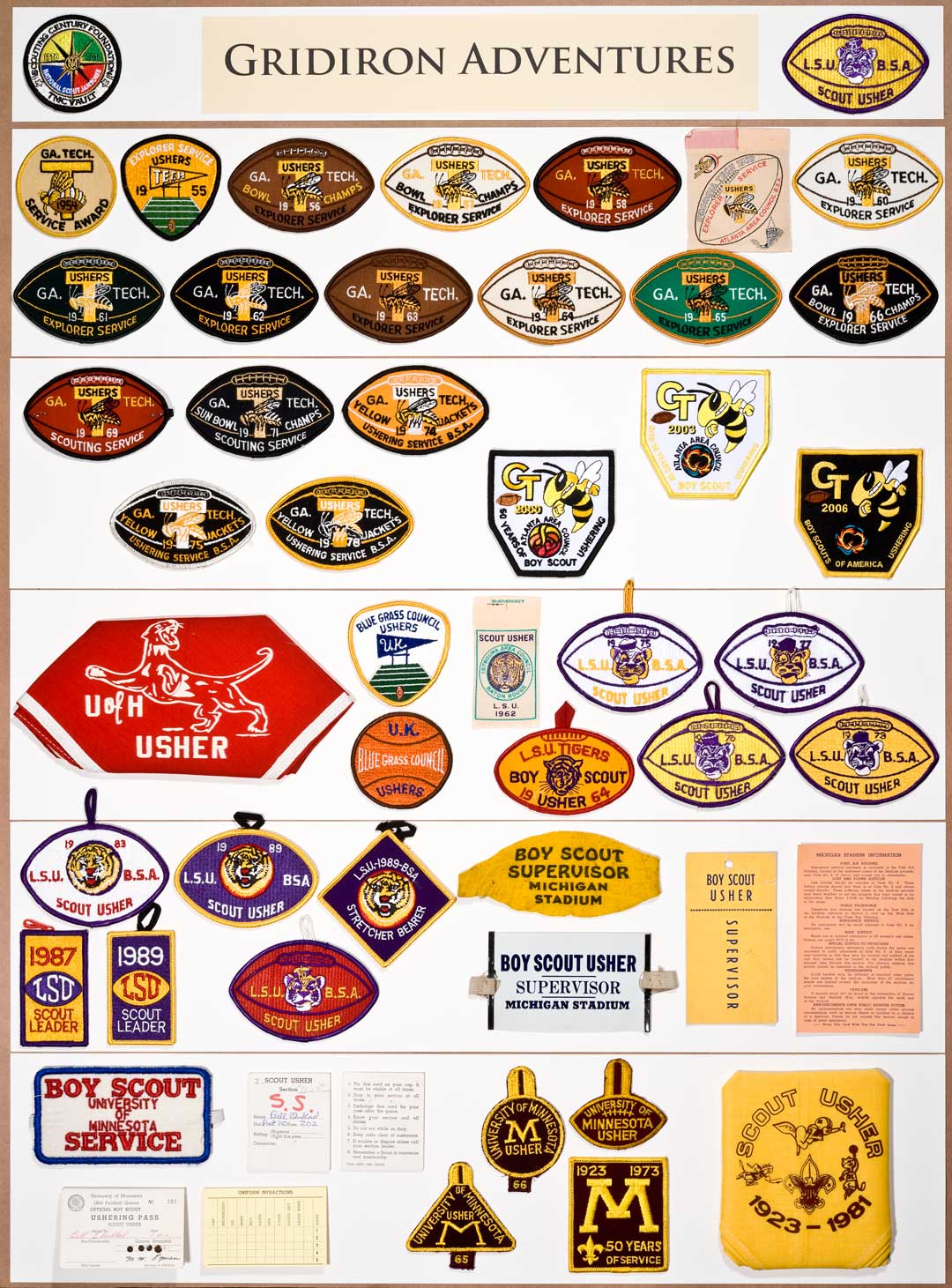
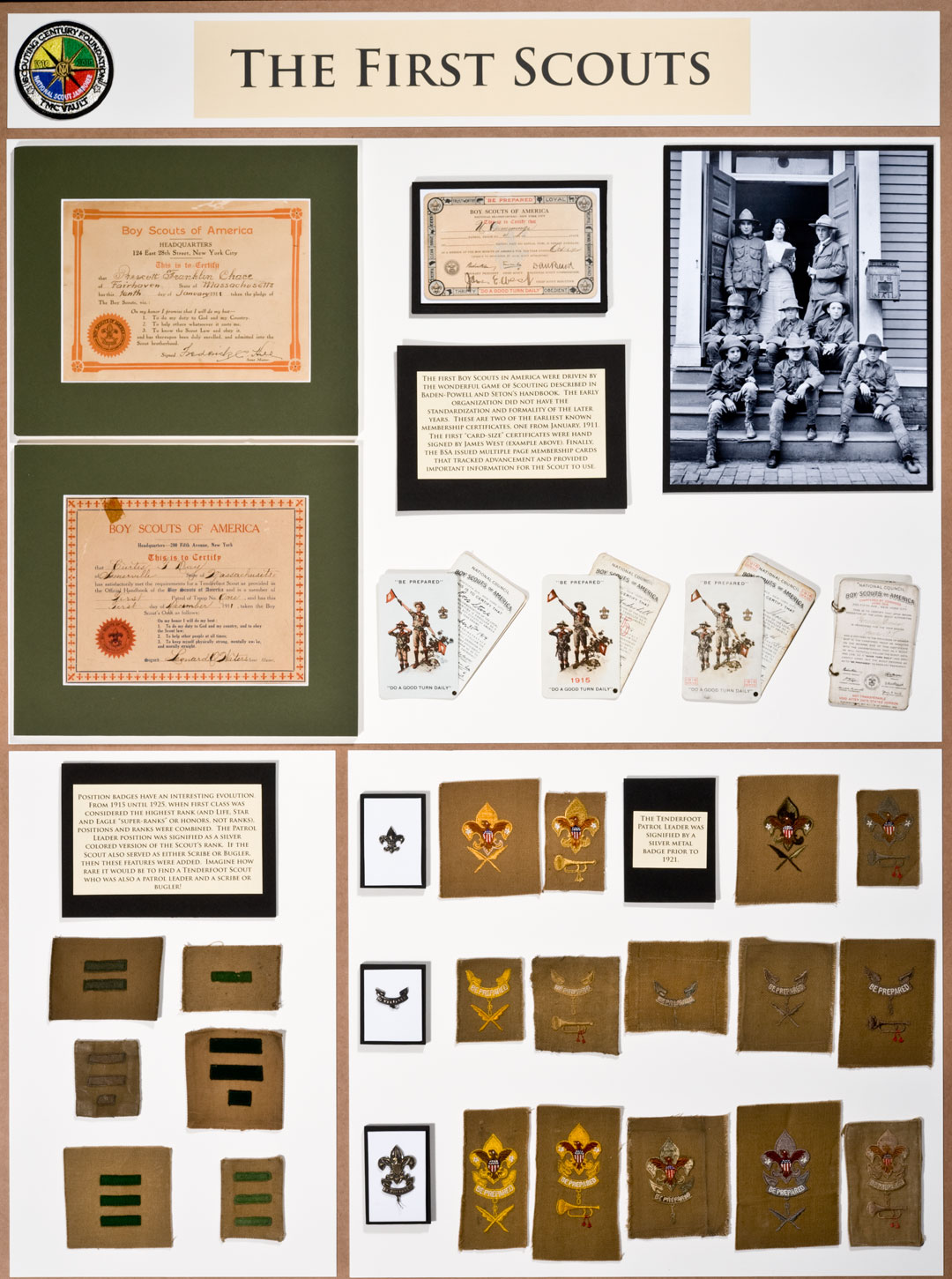
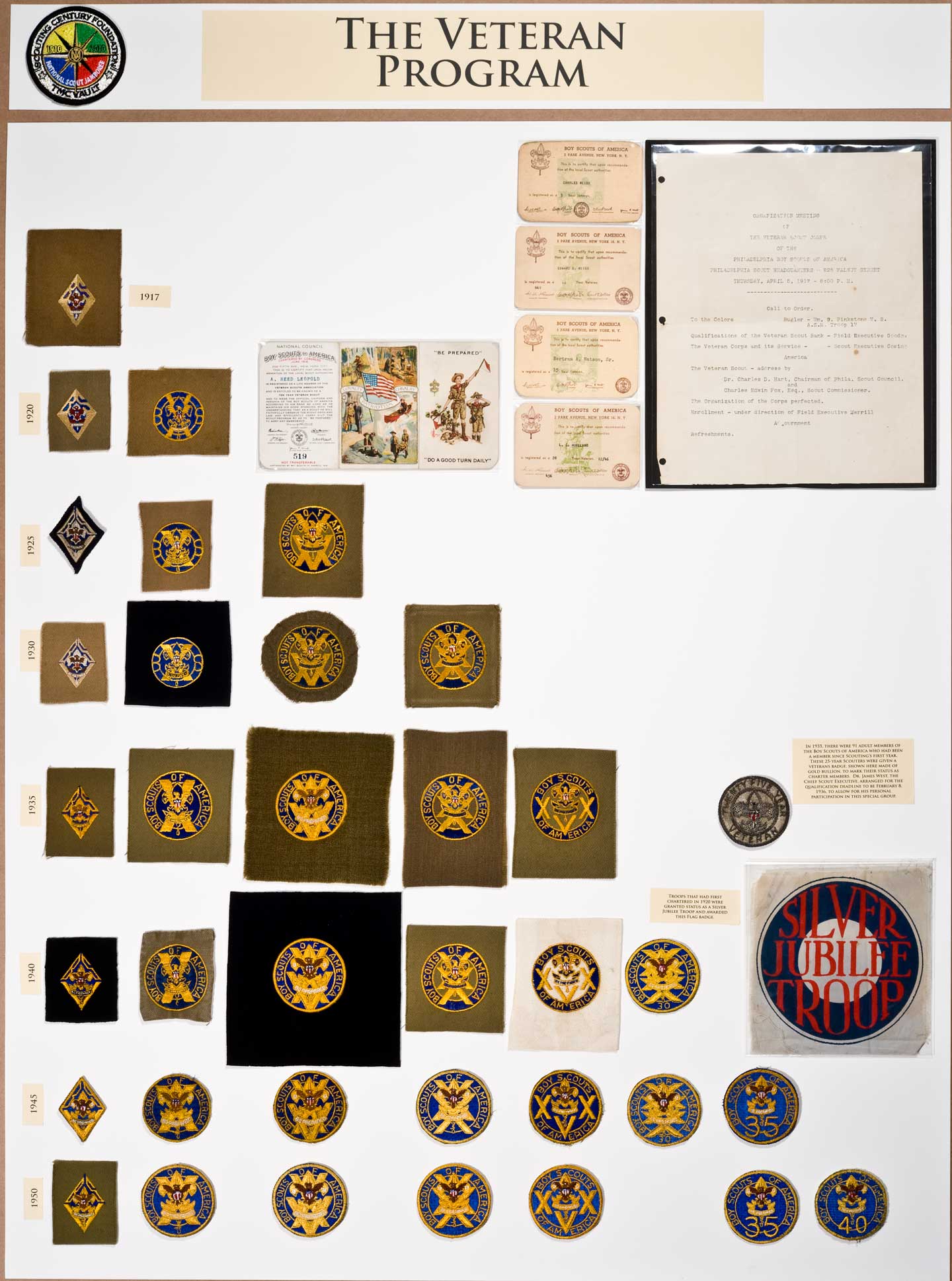
memorabilia to display at the Jamboree. The themes of the exhibits were outlines in the original proposal to the National BSA; The Character of the Eagle Scout, The Trail to Eagle and the Merit Badge Program, Early Scouting, Senior Scouting, The Hypnotic Effect of the World Jamboree, World Scouting and World Peace, The National Jamboree Experience, Scout Service Corp from Worlds Fair to College Football, Schiff Scout Reservation the Crucible of Scouting, Philmont and the Challenge of High Adventure, The Early Days of the Wimachtendienk, Order of the Arrow Lodges and Scout Camps, The Spectacle of Order of the Arrow Indian Dance, The Story of Regional Scouting, Patriotism: Scouting and the War Efforts. The 2010 Jamboree Today stated that 25,000 people visited The Vault and participated in the Mysterium Compass program. It’s clamed that this was the best attended event ever held at a National Jamboree. Bsainsignia.com is proud to be able to memorialize this even by putting the images on the internet. To view the images - click on a title below. To close that window, click anywhere outside of the image, or the X on bottom right side of the image. When you move your mouse to the center left and right sides of the of the image a white arrow "< or >" will apear and when clicked on will move to the next or prior image. On the left bottom side you will see the title of the image and any additional information about that image. |
||
 |
 |
 |
 |
 |
 |
 |
 |
 |
 |
 |
 |
 |
 |
 |
 |
 |
 |
 |
 |
 |
 |
 |
 |
 |
 |
 |
 |
 |
 |
 |
 |
 |
 |
 |
 |
 |
 |
 |
 |
 |
 |
 |
 |
 |
 |
 |
 |
 |
 |
 |
 |
 |
 |
 |
 |
 |
 |
 |
 |
 |
 |
 |
 |
 |
 |
 |
 |
 |
 |
 |
 |
 |
 |
 |
 |
 |
 |
 |
 |
 |
 |
||
 |
 |
 |
 |
 |
 |
 |
 |
 |
 |
 |
 |
 |
 |
 |
 |
 |
 |
 |
 |
 |
 |
 |
 |
 |
 |
 |
 |
 |
 |
 |
 |
 |
 |
 |
 |
 |
 |
 |
 |
 |
 |
 |
 |
 |
 |
 |
 |
 |
 |
 |
 |
 |
 |
|
|
 |
 |
 |
 |
 |
 |
 |
 |
 |
 |
 |
 |
 |
 |
 |
 |
 |
| Paul Myers Goshen,
Indiana gimogash@comcast.net |
||